Dynamics GP to Business Central
Microsoft Dynamics GP
Planning your move from Microsoft Dynamics GP to Dynamics 365 Business Central.
Support options
Dynamics GP vs Business Central
Formerly Great Plains
Dynamics GP to Business Central Upgrade
The direct route from GP to Business Central, planned and managed for you.
GP Migration Assessment
A no-obligation review of your GP setup and readiness to move.
GP Hardware and Infrastructure
Replacing on-premise servers as part of moving off GP.
GP Customisation and Rebuild
Rebuilding your GP customisations for Business Central.
What Is Microsoft Dynamics GP?
Microsoft Dynamics GP, originally known as Great Plains, is an on-premises ERP system built for financial management, inventory, and business reporting. For many years it gave growing businesses a single system to manage accounts, stock, purchasing, and multi-company operations, with enough depth to support light manufacturing and long-term growth alongside its core accounting functions.
Thousands of UK businesses still rely on GP every day, and many have built years of custom reporting, workflows, and integrations around it. Microsoft has now shifted its focus to Dynamics 365 Business Central, its cloud-based successor, which means GP’s long-term roadmap is fixed rather than actively expanding. That doesn’t mean anything needs to change overnight, but it’s worth understanding what that shift means for your business and when the right time to plan a move might be.
See your migration options
What Dynamics GP End of Life Means for Your Business
Microsoft has set a clear timeline for Dynamics GP. Here are the dates that matter, and what each one means in practice.
April 2025
Sales of new perpetual Dynamics GP licences ended.
April 2026
Sales of new subscription Dynamics GP licences ended. Dynamics GP is no longer available to buy.
31 December 2029
Mainstream support ends: no more product enhancements, regulatory or tax updates, or technical support from Microsoft.
30 April 2031
Security updates and patches stop. After this date, GP receives no further updates of any kind from Microsoft.
What this means for you: if you’re already running Dynamics GP, nothing changes today. It keeps working, and you have time to plan. But with sales already closed and Microsoft’s own roadmap now focused on Dynamics 365 Business Central, the practical window for a well-planned, low-pressure migration runs from now through to 2029, rather than after.
GP Migration Assessment
Before you commit to anything, we review your current Dynamics GP setup and give you a clear, honest picture of what moving to Business Central would actually involve for your business.
- Review of your modules, customisations, and integrations
- An honest view of what will transfer directly and what needs rebuilding
- A realistic timeline and cost picture, with no obligation to proceed
How it works
What Dynamics GP Still Does Well
If you’re running Dynamics GP today, here’s a quick look at the core areas it covers, and where Business Central builds on each one.
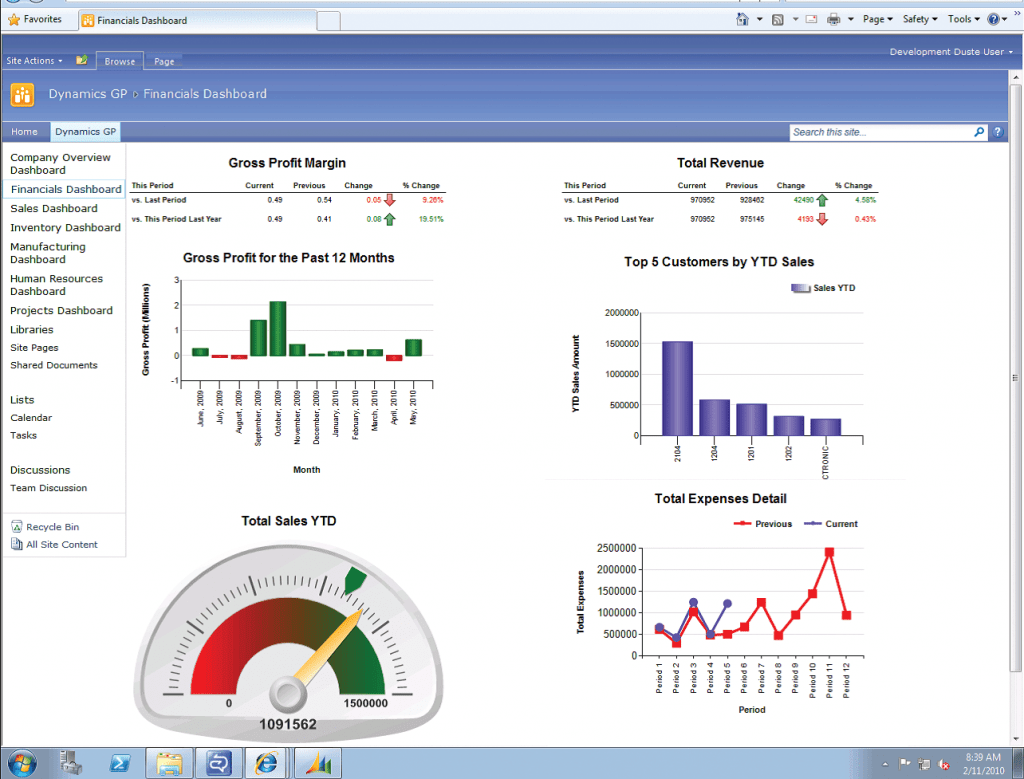
Financial Management
Account-level security, analytical accounting, and multi-currency budgeting across multiple fiscal years and companies.
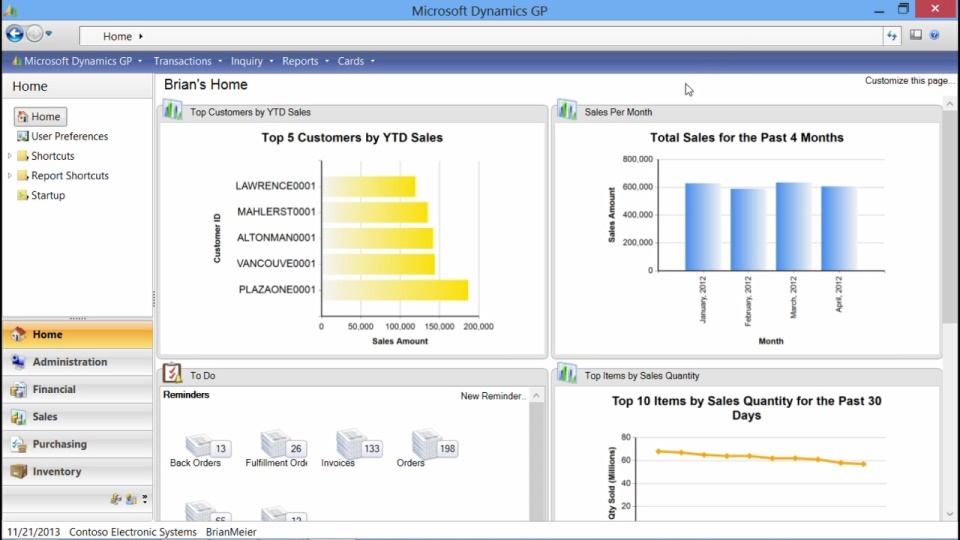
Business Intelligence and Reporting
Built-in reporting and analytics tools give visibility across finance, inventory, and sales, though many GP users now supplement this with Power BI.
Contract and Service Management
Manage service contracts, price books, and service calls against warranties and current inventory, with billing tied back into the accounting system.
Dynamics GP Questions, Answered
Wherever You Are in Your Dynamics GP Journey
Whether you’re planning ahead or ready to move now, we’re happy to talk through your options.
