Diskel — Pegasus Authorised Developer

AP Automation
for Opera 3 SQL SE

Automated invoice capture, matching and posting — built by Diskel, exclusively for Opera 3. No manual keying, no paper chasing, no end-of-month scramble.

OCR Capture Invoices read automatically
PO & GRN Matching Checked before posting
Direct to PL Posts straight into Opera 3
Full Audit Trail Every invoice image retained
OCR Invoice Capture
Reads PDFs, scans and emailed invoices automatically
PO & GRN Matching
Checked against Opera 3 orders automatically
Posts to Opera 3 PL
No re-keying — ready for payment
AutoInvoicing

Everything AutoInvoicing does for your Opera 3 team

Capture

OCR Invoice Capture

Email invoices to a unique address or drag and drop via the web portal. PDFs, scans, photos and multi-page invoices all handled automatically.

Match

PO & GRN Matching

Invoices are checked against outstanding Purchase Orders and Goods Received Notes before posting, flagging discrepancies automatically.

Post

Direct Opera 3 Posting

Validated invoices post straight to the Purchase Ledger or PIR module — with Job Costing and Advanced Nominal support built in.

Audit

Full Audit Trail

Every invoice image is stored against the Opera 3 transaction — instantly retrievable, GDPR and HMRC recordkeeping ready.

What is AutoInvoicing

AP automation built specifically for Opera 3

For businesses running Pegasus Opera 3, manual invoice processing is one of the easiest places to lose time and introduce errors. Re-keying data, correcting mismatches and chasing paperwork all add up, and when volumes are high, the strain on your finance team shows.

AutoInvoicing is developed by Diskel, a Pegasus Authorised Developer, and built specifically for Opera 3 SQL SE. It captures invoice data automatically using OCR, checks it against outstanding Purchase Orders and Goods Received Notes, and posts it directly into your Purchase Ledger or PIR module — all without leaving Opera 3. Full product details are available at autoinvoicing.co.uk.

The result is fewer keying errors, cleaner ledger data and a full audit trail on every invoice. It handles PDFs, emails and scanned documents, supports foreign currency, and integrates with Job Costing and Advanced Nominal — so it fits into how your business already operates.
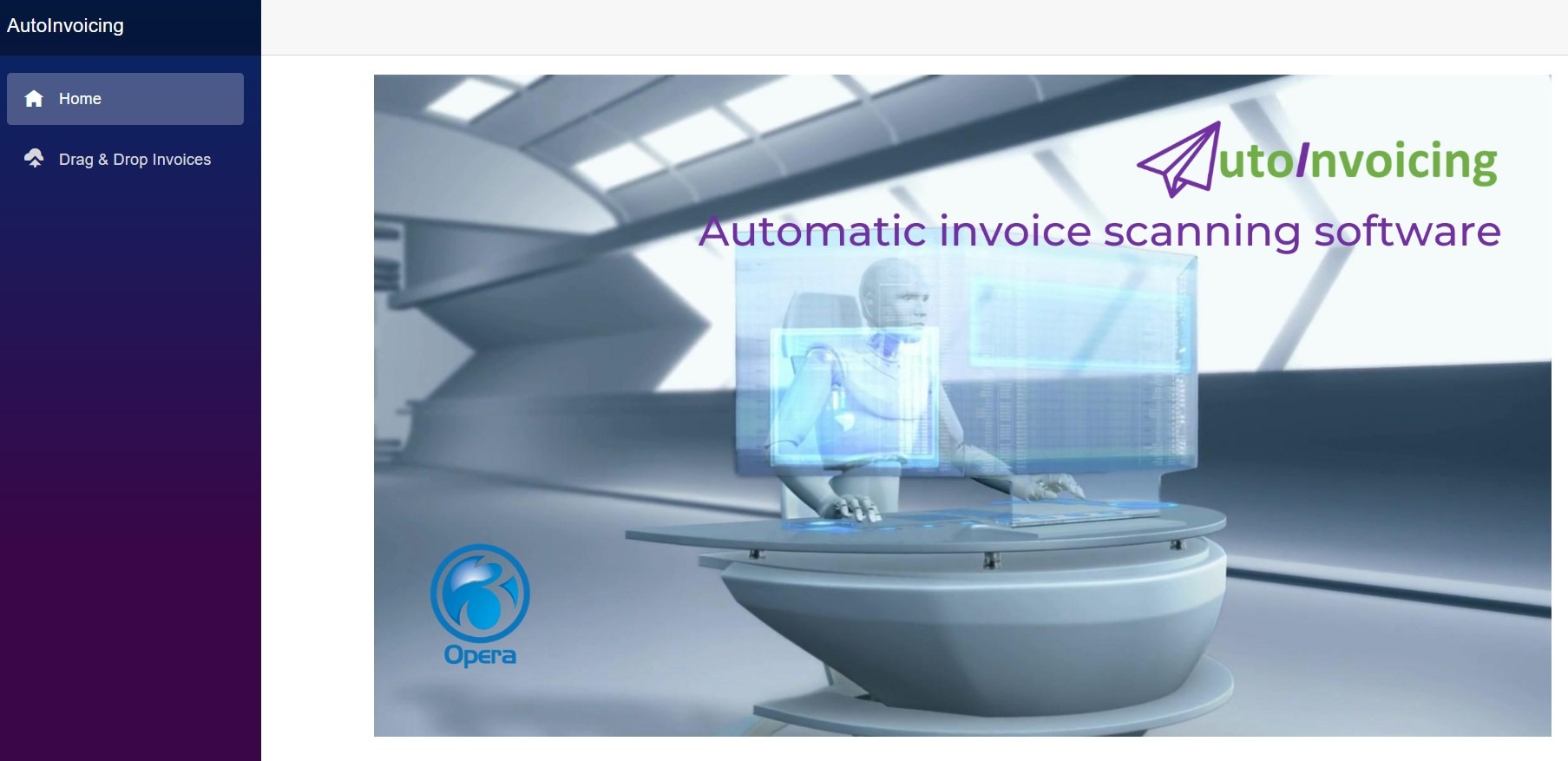
AutoInvoicing login screen for Pegasus Opera 3
How it works

From invoice receipt to Opera 3 posting

1

Send the invoice

Email, web portal or scan — PDF, HTML, XLS, PNG and JPEG supported.

2

OCR processing

Data captured automatically — detail or summary, multi-page invoices as one scan.

3

Validation & matching

Checked against POs and GRNs, with bank and VAT details validated before posting.

4

Approval (optional)

Basic PIR assignment built in. Full workflows via AutoApprovals, a paid add-on.

5

Posted to Opera 3

Straight to the Purchase Ledger or PIR module, ready for payment.

See it in action

Watch AutoInvoicing in action

See a walkthrough of AutoInvoicing capturing invoice data, matching it against a purchase order and posting it into Pegasus Opera 3, with basic PIR approval assignment handled along the way.

Need full multi-stage approval workflows? AutoApprovals is available as a paid add-on, adding structured sign-off chains with Microsoft Teams and Outlook notifications and a complete audit trail.

Key features

Everything AutoInvoicing does for your Opera 3 team

AutoInvoicing covers the full accounts payable journey from the moment an invoice arrives to the moment it is posted in Opera 3 and ready for payment.

Invoice capture

  • Email invoices to a unique address for automatic processing
  • Drag and drop via the web portal
  • Fast, accurate OCR — detail and summary capture
  • Multi-page invoices treated as a single scan
  • Credit notes handled as well as invoices
  • Bank and VAT detail validation

Opera 3 integration

  • Purchase Ledger and PIR module integration
  • PO and GRN matching before posting
  • Advanced Nominal — Account, Cost Centre, Project and Department
  • Job Costing integration
  • Foreign currency capabilities
  • Invoice image stored against the Opera 3 transaction

Workflow and control

  • Basic approval assignment via PIR’s Assigned To field
  • Full multi-stage approval workflows available via AutoApprovals, a paid add-on
  • Full audit trail on every invoice
  • Scalable monthly invoice packages
  • Customisable to fit your existing processes
  • Minimal training required — simple user interface
Supported invoice formats
PDF HTML XLS / XLSX PNG JPEG Scanned paper Email attachment Credit notes Foreign currency
The automation suite

AutoInvoicing works even better with these

Each product works independently or together as a complete Opera 3 automation suite.

AutoFiling

Archives every invoice and business document inside Opera 3 with full SharePoint integration. Find anything instantly from anywhere.

Learn about AutoFiling →

AutoApprovals

Routes invoices and purchase orders through your approval chain automatically, with Microsoft Teams and Outlook notifications. A paid add-on to AutoInvoicing.

Learn about AutoApprovals →

See AutoInvoicing in action

Book a free demo with the Diskel team and see how AutoInvoicing works inside your Opera 3 setup.